INTRODUCTION
In today’s digital-first world, online shopping has become a daily activity for millions of people in the United States. From clothing and electronics to groceries and home goods, nearly everything is now just a few clicks away. This convenience is unmatched, but it also brings along risks. Cybercriminals are constantly developing new ways to trick shoppers, steal sensitive data, or create fraudulent websites.
For this reason, online shoppers need to be proactive about safety. Protecting personal information, avoiding scams, and practicing smart digital habits are essential for ensuring a secure experience. Below, we explore the top safety tips for online shoppers in detail, providing actionable steps that can help anyone navigate e-commerce platforms with confidence.
1. Shop from Trusted and Reputable Websites
The first step in safe online shopping is choosing the right platform. Well-known retailers and established e-commerce websites are far less likely to compromise your information than random, unfamiliar sites.
-
Look for recognizable names: Established brands often have stronger security protocols in place.
-
Check the URL: Make sure the site begins with https:// and displays a padlock symbol in the address bar. This indicates encrypted communication.
-
Be cautious with “too good to be true” deals: Fraudulent websites often lure people with massive discounts or free offers.
By sticking to reputable sites, you lower your risk of encountering phishing attempts or counterfeit products.
2. Strengthen Your Passwords
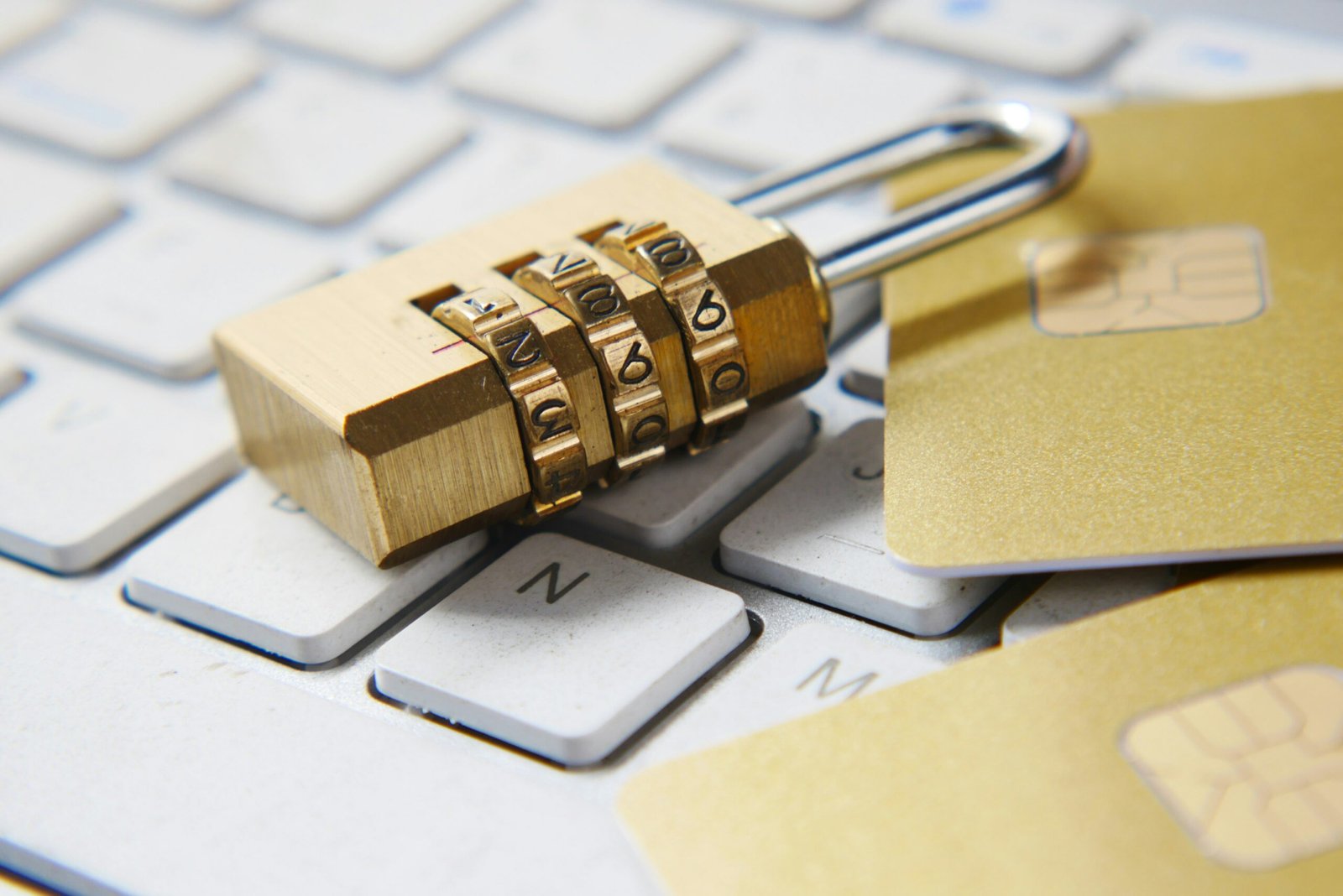
A strong password is one of the simplest yet most effective tools for online protection. Unfortunately, many users still rely on weak passwords that are easy for hackers to guess.
Tips for creating secure passwords:
-
Use a combination of uppercase and lowercase letters, numbers, and special characters.
-
Avoid using personal information like birthdays, names, or pet names.
-
Opt for longer phrases or passcodes instead of single words.
-
Change your passwords regularly, especially for financial accounts.
Password managers can also help you generate and store strong passwords securely, eliminating the need to remember them all.
3. Enable Two-Factor Authentication (2FA)
Two-factor authentication adds an additional layer of protection to your online accounts. Even if a hacker manages to guess your password, 2FA makes it far more difficult for them to gain access.
-
How it works: After entering your password, you receive a temporary code via text message, email, or an authenticator app.
-
Why it matters: Cybercriminals cannot log in without this secondary code.
Whenever possible, enable 2FA on your online shopping accounts and payment platforms.
4. Monitor Your Financial Statements
Regularly checking your bank and credit card statements can help you spot unusual activity early. Many cybercriminals start by making small, unnoticeable charges before moving on to larger ones.
What you should do:

-
Review statements weekly or enable transaction alerts through your bank.
-
Report suspicious activity immediately.
-
Consider using a separate card or digital wallet specifically for online transactions.
This proactive monitoring can save you from significant financial losses.
5. Be Wary of Public Wi-Fi
Free public Wi-Fi is convenient, but it’s also a hotspot for cybercrime. Hackers can intercept data transmitted over unsecured networks, potentially exposing your login credentials and payment details.
Smart practices:
-
Avoid shopping or entering sensitive information on public Wi-Fi.
-
If you must use it, connect through a Virtual Private Network (VPN).
-
Save online shopping for home or trusted secure networks.
6. Keep Your Devices Updated
Many people overlook software updates, but these updates often include critical security patches. Running outdated systems leaves your device vulnerable to malware, spyware, or ransomware.

-
Update your operating system: Whether you use Windows, macOS, Android, or iOS, always keep it current.
-
Update your browser and apps: Modern browsers block many suspicious websites, but only if updated.
-
Use reliable antivirus software: This adds another layer of defense.
7. Watch Out for Phishing Emails and Fake Ads
Scammers frequently use emails or social media ads to trick shoppers into visiting fraudulent websites. These often mimic legitimate brands and encourage you to click a malicious link.
How to spot phishing attempts:
-
Look for spelling errors, odd sender addresses, or unusual formatting.
-
Avoid clicking links in suspicious emails—type the web address directly into your browser.
-
Ignore messages that pressure you with urgency, such as “Your account will be suspended unless you act now.”
Being alert can save you from accidentally giving away personal information.
8. Use Secure Payment Methods
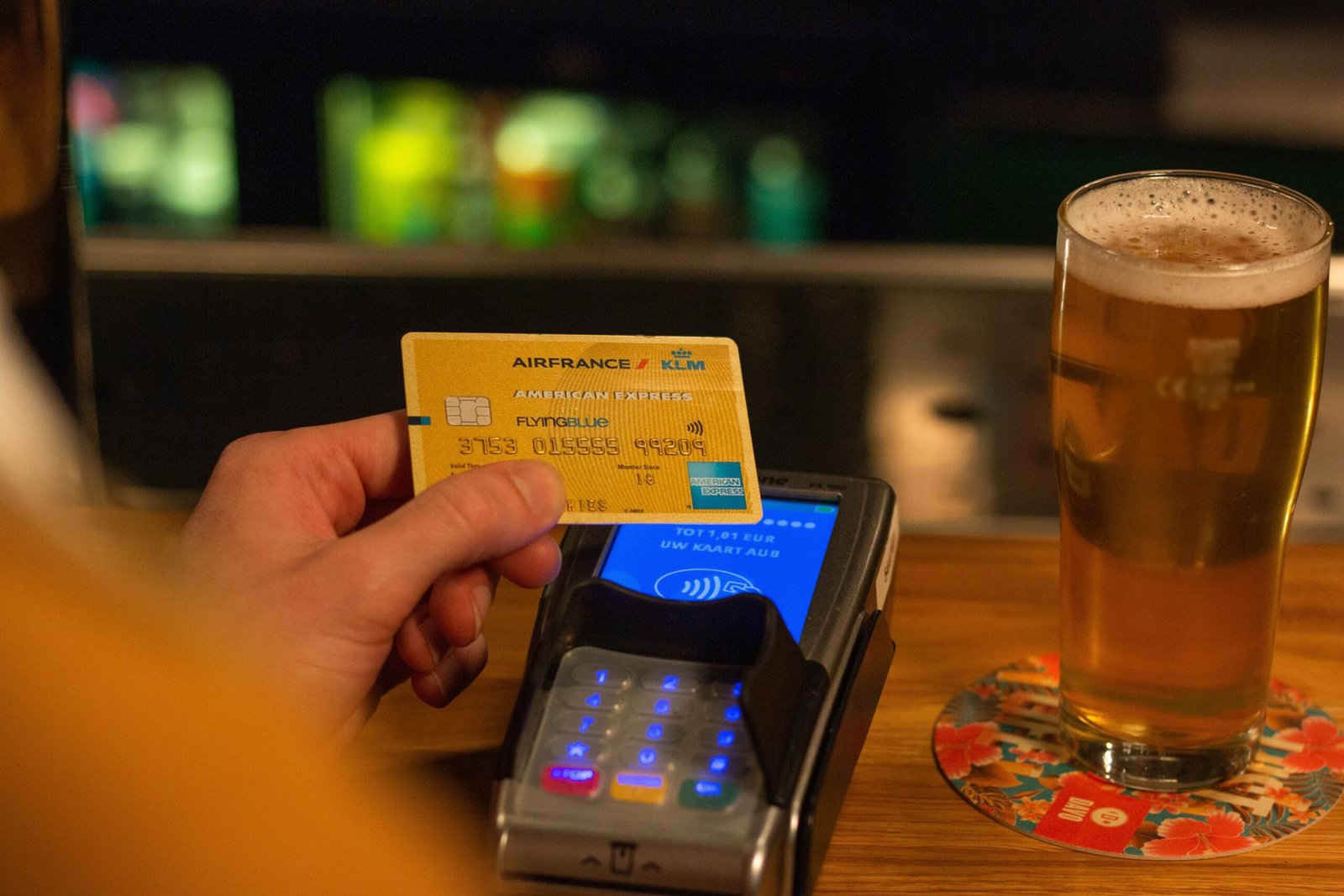
When checking out online, the payment method you choose matters. Some methods offer better consumer protection than others.
-
Credit cards: Often provide fraud protection and allow disputes for unauthorized charges.
-
Digital wallets (e.g., PayPal, Apple Pay, Google Pay): Add a buffer between your card details and the merchant.
-
Avoid direct bank transfers or debit cards: These usually lack the same level of protection.
By choosing the right payment method, you add another safeguard to your online shopping.
9. Don’t Overshare Personal Information
Online retailers may ask for details during checkout, but you should be cautious about what you provide. A legitimate site does not need excessive personal information such as your Social Security number, date of birth, or unrelated personal data.
-
Only fill in required fields.
-
If the request feels intrusive, abandon the transaction.
-
Be mindful of what you share on loyalty program sign-ups or free trials.
10. Stay Educated on Common Scams
Online scams evolve constantly, and staying informed is crucial. Common scams include:
-
Fake shipping notifications: Emails claiming your order cannot be delivered unless you confirm details.
-
Counterfeit product websites: Sites selling fake designer goods at suspiciously low prices.
-
Charity scams: Fraudulent fundraising pages that pop up during holidays or global crises.
Following news on the latest scams can prepare you to recognize and avoid them.
11. Protect Your Accounts with Alerts
Most banks and e-commerce platforms allow you to set up alerts for specific activities, such as logins from new devices or large transactions.
-
These alerts can instantly notify you of suspicious activity.
-
You can act quickly to freeze accounts before further damage occurs.
12. Use Guest Checkout When Possible
If you don’t shop from a particular retailer often, choose the guest checkout option. This way, your personal details and payment information are not stored on their system, reducing exposure in case of a data breach.
13. Verify Online Reviews and Sellers
If you’re shopping from a marketplace with multiple sellers, take time to review their ratings and feedback. Fake sellers sometimes create accounts to scam shoppers temporarily before disappearing.
-
Look for sellers with consistent positive reviews.
-
Be cautious of accounts with limited history or vague product descriptions.
-
Compare product photos and descriptions to ensure authenticity.
14. Beware of Overly Generous Return Policies
While flexible return policies are common, scammers sometimes use exaggerated claims to attract shoppers. If a site promises full refunds for almost anything without clear terms, it may be a trap. Always read the fine print carefully.
15. Back Up Your Data
Finally, protecting your personal devices is not only about online shopping but overall digital safety. Backing up your important files ensures that even if malware strikes, your personal data remains safe.
Final Thoughts
Online shopping has revolutionized how people in the USA and across the globe access products and services. It’s convenient, time-saving, and often budget-friendly. But with convenience comes responsibility. Cybercriminals are constantly looking for vulnerabilities to exploit, and careless habits can make any shopper an easy target.